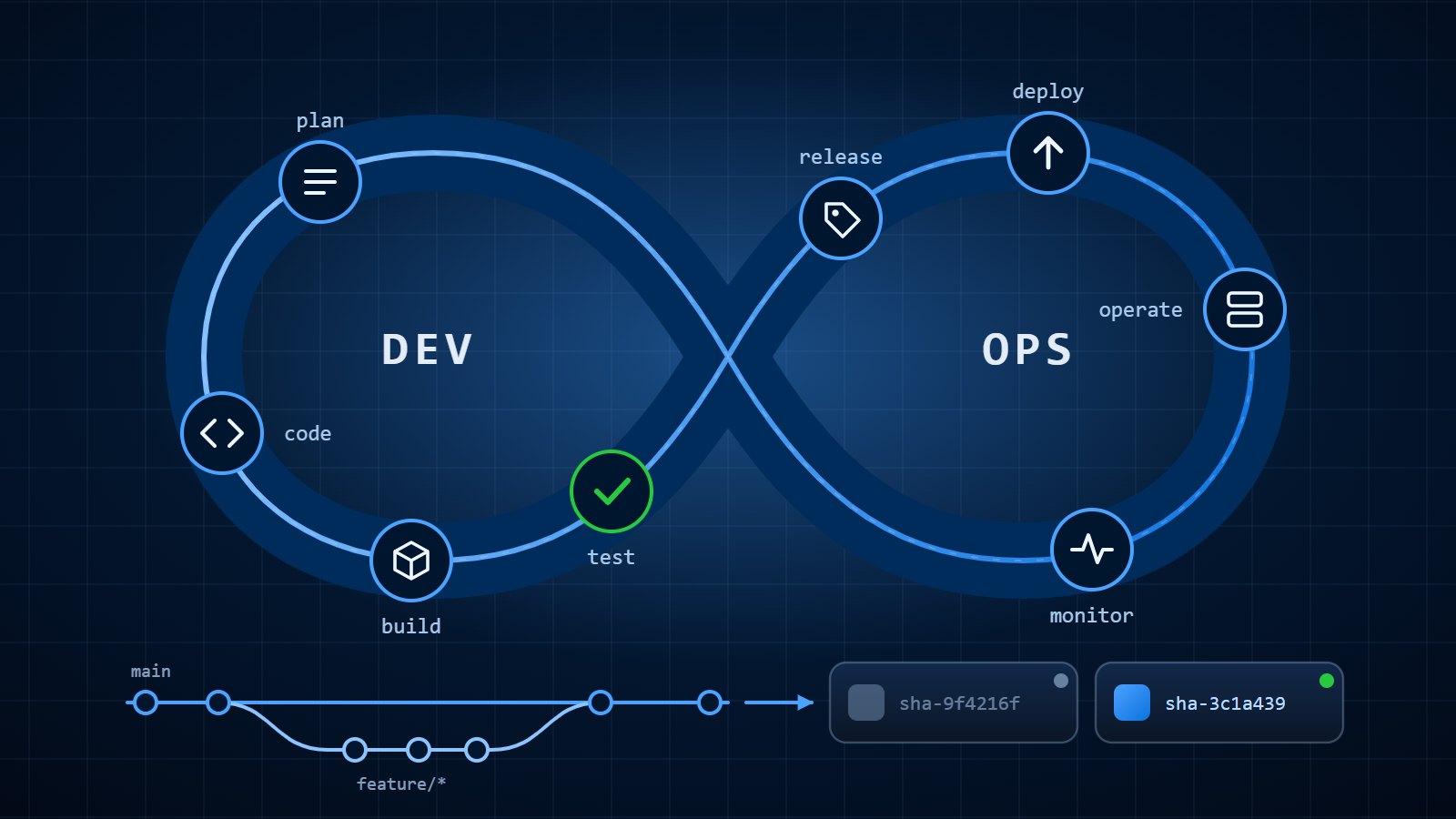
Text in the HTML, fonts that do not jump and requests that try again. What we changed on this website, and what we measured.
This website used to send an almost empty page and build everything in the browser. On a good connection nobody notices. On a slow phone connection, people looked at a loading screen. Here is what we changed.
Put the text in the first response
The site is a React app. Now a small Node service renders the same components on the server, and the API places the result in the page before it is sent. The browser then takes over the existing HTML instead of building it again.
Two decisions kept it safe:
- The renderer is optional. If it does not answer in 1.5 seconds, the page is sent the old way.
- After a failure the API leaves the renderer alone for ten seconds, so one broken part does not slow down every visitor.
Do not animate what the visitor is waiting for
Our headings faded in. With text in the HTML, that meant hiding something that was already there. On the first page the top section now appears without its entrance animation. Later pages keep it.
Stop the text from jumping
A web font arrives after the text, and lines move when it replaces the fallback. Two things helped:
- Preload only the font file that the language needs.
- Give the fallback font the same proportions with
size-adjustandascent-override.
css@font-face {
  font-family: "Text Fallback";
  src: local("Arial");
  size-adjust: 103%;
  ascent-override: 104%;
}
The values depend on the font pair, so measure yours. We limited ours to Latin letters, because it made Persian text worse.
Expect dropped requests
On an unstable network a request may never finish. Our data requests have a time limit and are repeated a few times, and the file names contain a hash so the browser can keep them for a year.
Make pictures and video wait
Pictures below the first screen load when they come near. A video shows a still picture and downloads only after the visitor presses play.
What we measured
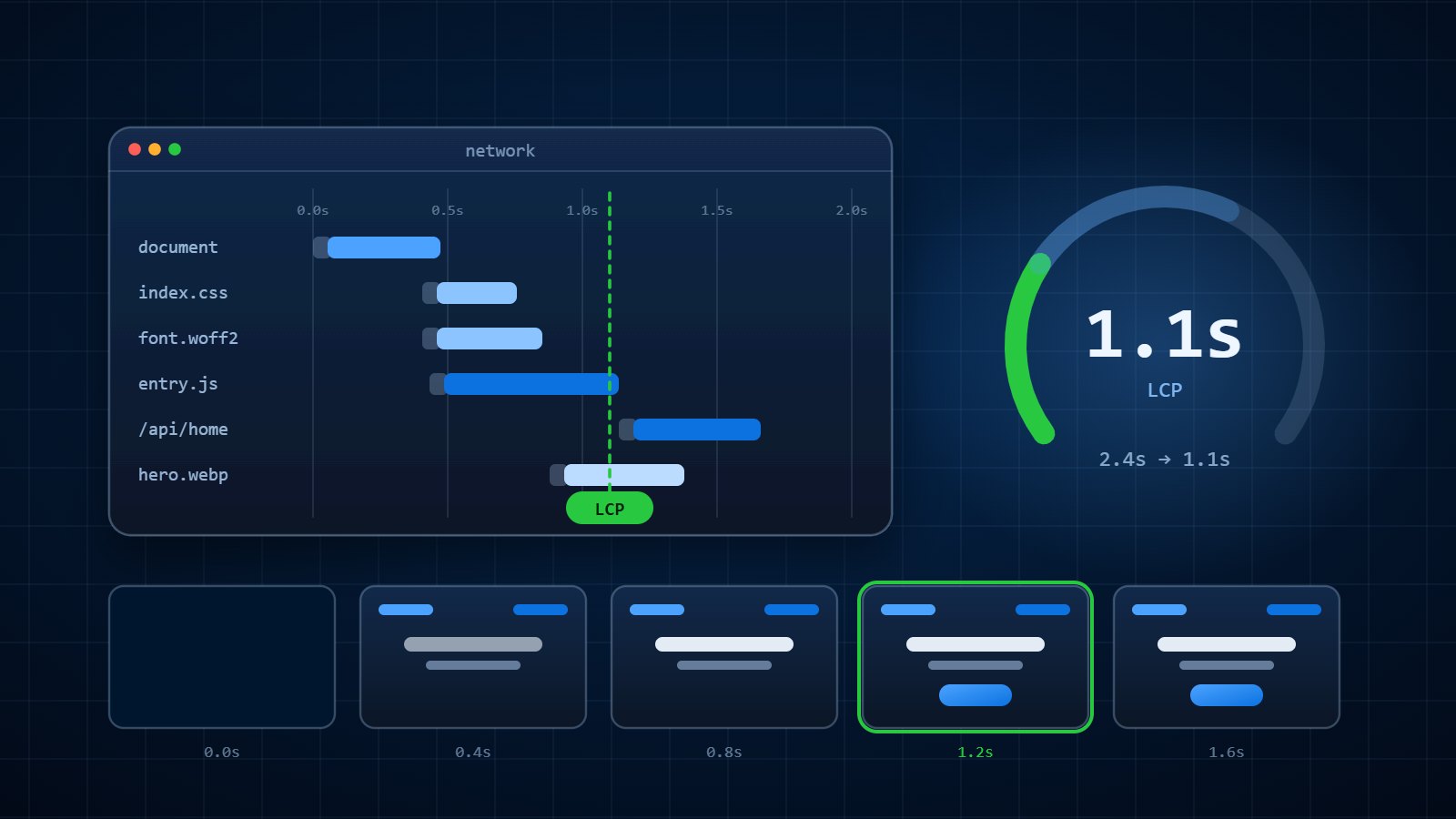
On one service page, with a simulated phone and a slowed connection on our own machine, the largest element appeared after 1.1 seconds instead of 2.4, and the layout shift went from 0.239 to 0. These are lab numbers. Real visitors will differ, so we will follow the field data in Google Search Console.
Try this on your own site
- Turn off JavaScript and reload. What is left?
- Slow the network down in the developer tools and look at the first three seconds.
- Write down the numbers before you change anything.