A demo works because you pick the inputs. Here is what to put in place before real users pick them for you.
A demo of an AI feature can be ready in a weekend. The demo works because you choose the inputs. After launch, other people choose them: short ones, wrong ones, in a language you did not plan for. This checklist helps to close that gap.
1. Write down the job
Do not start with the question "which model?". Start with one sentence: who needs what done, and how will you know it was done well?
Support staff paste a customer message and get a draft reply that uses only our help articles.
That sentence already tells you what the input is, what the output is and what would count as a mistake. If you cannot write it, you are not ready to choose a model.
2. Build a small test set
Collect twenty to fifty real examples. For each one, write what a good answer contains. Include the awkward ones:
- an empty or very long input,
- a question the product should refuse,
- two languages in one message,
- a question whose answer is not in your data.
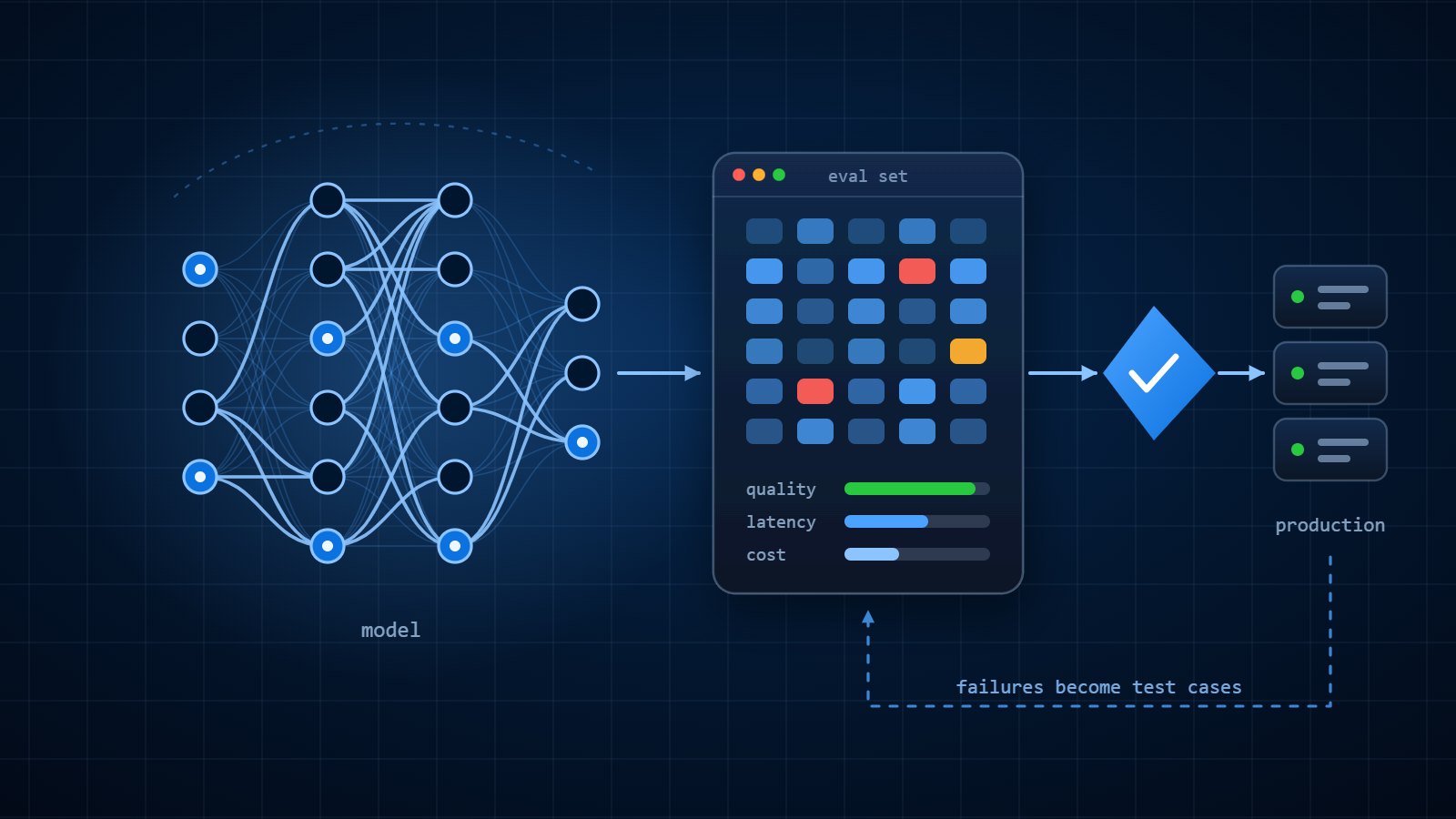
Run every change of prompt, model or data against this set. Without it, each improvement is a guess, and a fix for one case can quietly break three others.
3. Measure three numbers
- Quality: how many answers in the test set are acceptable?
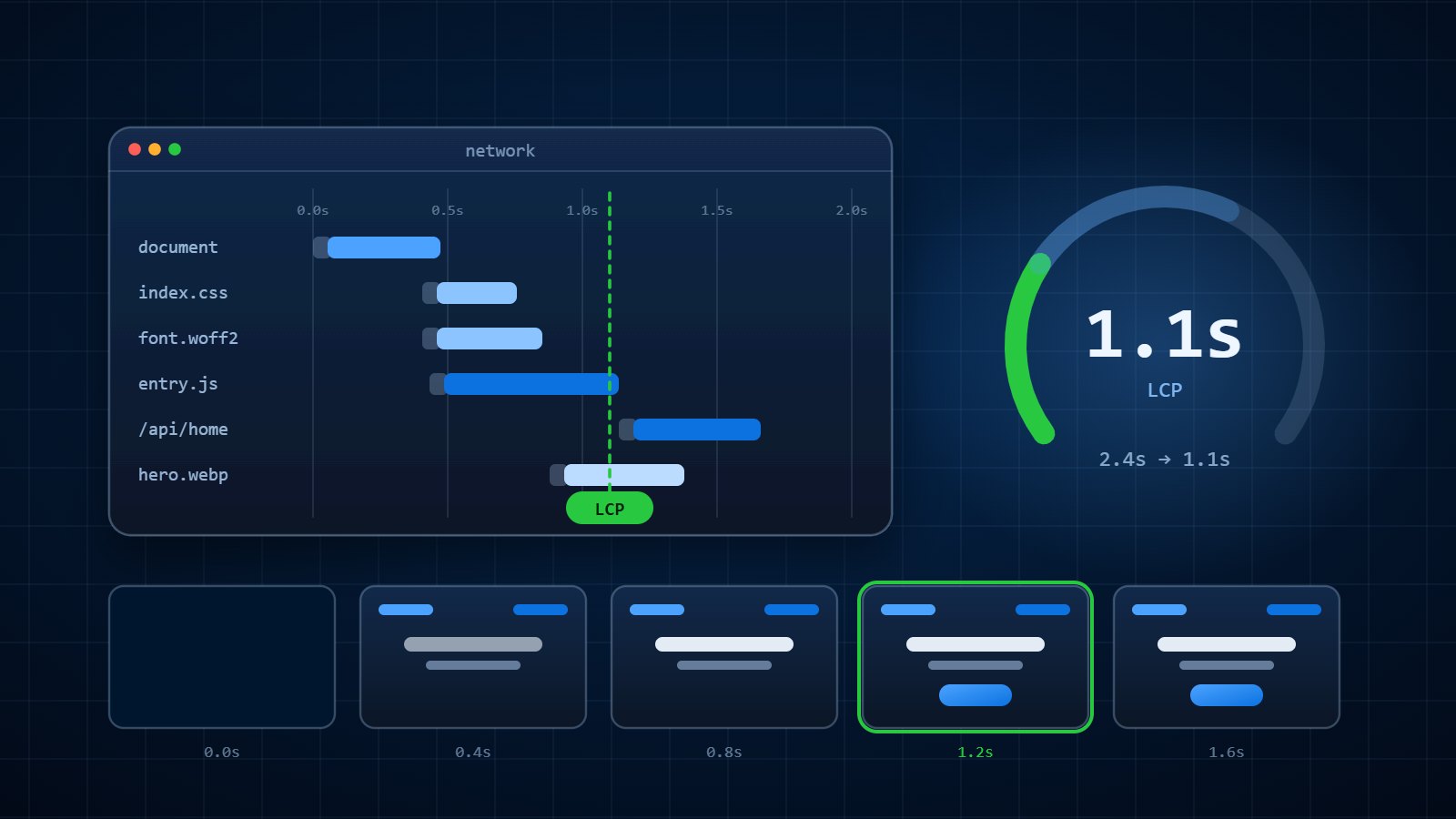
- Time: how long until the user sees the first useful words?
- Cost: what does one request cost, and what would a thousand a day cost?
A better model that is three times slower may be worse for a chat box and better for a nightly report. The numbers decide, not the model's ranking.
4. Plan the failure
Models are wrong sometimes and services go down. Decide in advance:
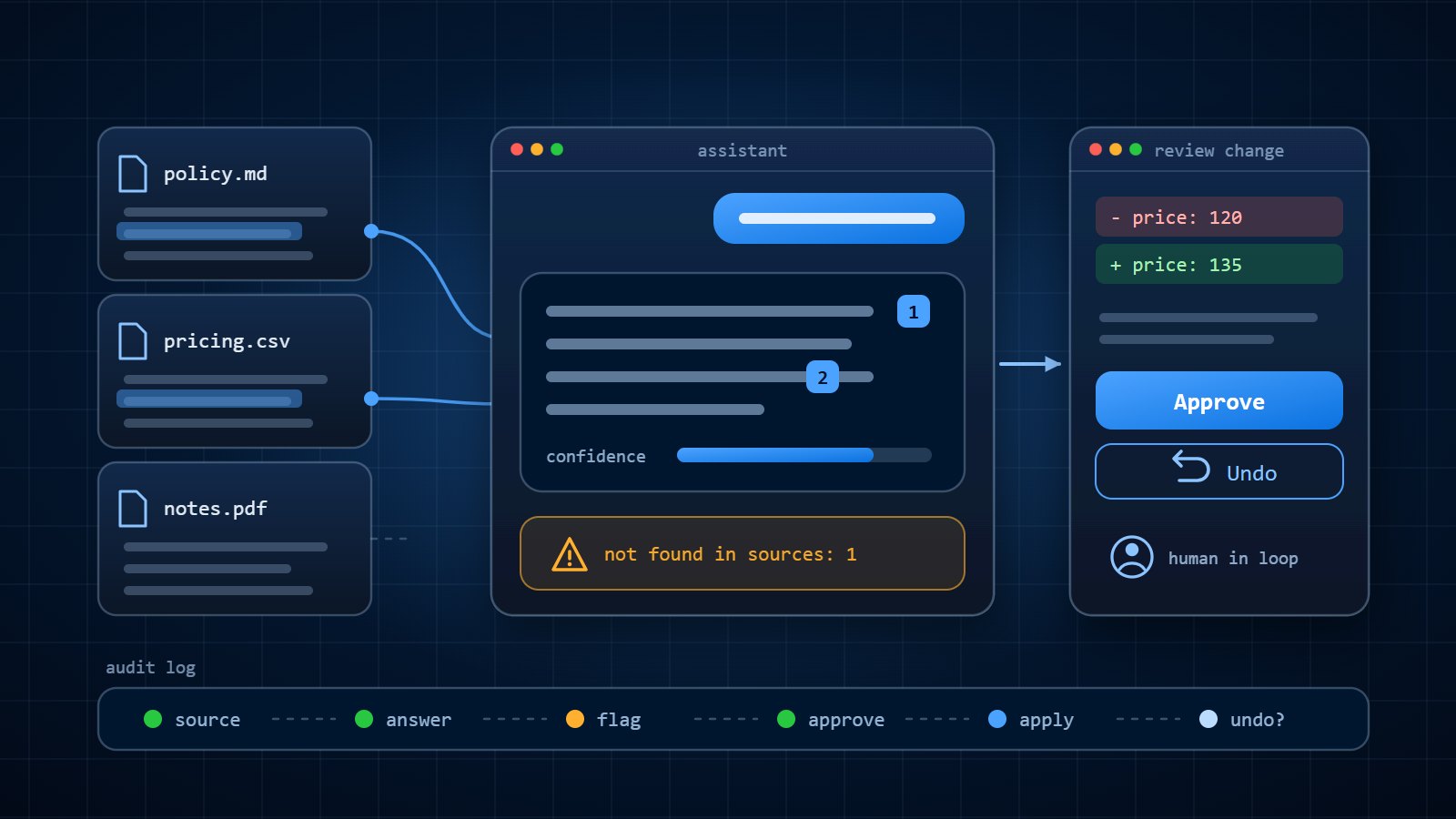
- What does the user see when the model does not answer in time?
- Can the user edit, retry or undo?
- Which actions always need a person to confirm?
Put a timeout on every call. If the feature is optional, the rest of the page must work without it.
5. Treat the input as untrusted
Text from users, web pages and uploaded files can contain instructions for the model. Do not give the model more access than the user has, check its output before you act on it, and never put secrets in the prompt.
6. Keep learning after launch
Save enough to investigate a bad answer, tell users what you save, and remove personal data you do not need. When somebody reports a bad answer, add it to the test set first and fix it second. The test set grows, and the same mistake does not return unnoticed.
Before you launch
- The job is written in one sentence.
- A test set exists and runs with one command.
- You know the cost of one request.
- Timeouts and a fallback are in place.
- Risky actions need confirmation.
If one of these is missing, you still have a prototype. That is fine, as long as everybody knows it.